This is a really quick post but I feel I have to share this with you guys.
I have been doing a lot of SPEAK lately and from time to time I end up struggling with something that should be really easy to do(and yes it is easy when you finally find the solution).
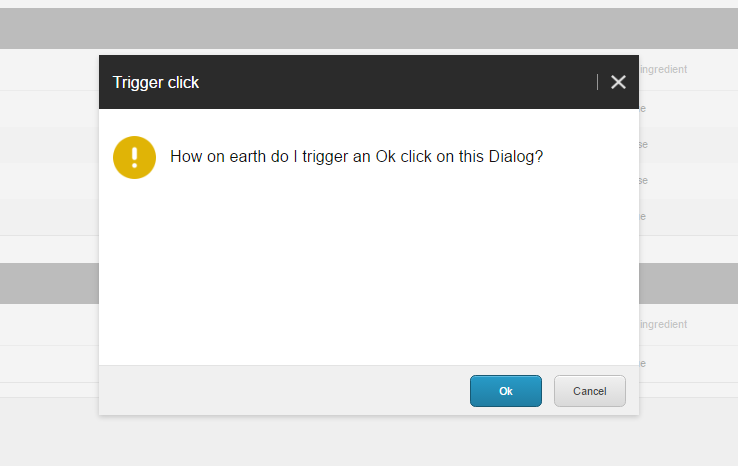
Anyways I had to trigger an OK click on a ConfirmationDialog(SPEAK 2 component) in SPEAK.

In this case the ConfirmationDialog should be closed with the Enter key by trigger the OK button. Let’s take a look on the PageCode:
(function (Speak) {

	Speak.pageCode({


		initialized: function () {

			var self = this;

			self.MyConfirmationDialog.on("close",
				function (data) {

					if (data === "ok") {

						//Do some stuff
					}

				},
				this);


			jQuery(document).keypress(function (e) {

				if (e.which === 13) {

					if (self.MyConfirmationDialog.IsVisible) {
						self.MyConfirmationDialog.CloseClick = "ok";
						self.MyConfirmationDialog.hide();
					}

				}
			});


		}
	});
})(Sitecore.Speak);
To close the ConfirmationDialog we would call the hide method – self.MyConfirmationDialog.hide().
The trickier part was to tell what button should be clicked/triggered and that took a while for me to figure out.
In CloseClick you need to set what button you want to trigger, like this self.MyConfirmationDialog.CloseClick = “ok”
That’s it and keep doing some good SPEAK stuff out there
That’s all for now folks 🙂
 Visions In Code